
Fortnite Downtime Duration Today v40.20 Update
Discover the essential Fortnite downtime schedule and return window for the v40.20 update, ensuring you're ready to dive back into the action. Get the latest on server maintenance times and patch details to plan your gaming session effectively and avoid frustrating delays.
If you tried to hop into Fortnite on April 16, 2026, you’ve probably already run into the usual maintenance wall: offline servers, disabled matchmaking, and an Epic Games Launcher notice telling you the game is temporarily unavailable. So, how long is Fortnite downtime today? For the v40.20 update in Chapter 7 Season 2, Epic says downtime started at 4 AM ET with matchmaking shut off about 30 minutes earlier, and the most likely return window is 6 AM to 7 AM ET. This article covers the ETA, today’s schedule, what’s in the patch, and what to do if Fortnite still isn’t working once servers are back.
How Long Is Fortnite Downtime Today
Epic officially scheduled v40.20 downtime for 4 AM ET on April 16, 2026. As usual, matchmaking was disabled at around 3:30 AM ET, which stopped fresh lobbies from forming while letting ongoing matches wrap up normally. That half-hour buffer is pretty standard for Fortnite updates, so if you got kicked from queue before downtime began, that’s why.
Right now, the expected return window sits at 6 AM to 7 AM ET. In other time zones, that works out to 10 AM–11 AM UTC and 11 AM–12 PM BST. If you’re just looking for the short answer, that’s the best estimate based on how Epic has handled similar Chapter 7 mid-season patches.
The thing is, how long is Fortnite downtime today depends a lot on what kind of patch this actually is. A mid-season update like v40.20 usually lands in the two-to-three-hour range, while full season launches or chapter transitions can drag on for four to six hours because there’s way more backend work involved.
There are also a few reasons the servers might stay down longer than expected. If Epic spots a serious bug during deployment, the rollout can pause while the team fixes it. Regional checks, content validation, and CDN propagation can all slow things down too, so treat the 6–7 AM ET window as the optimistic target rather than a hard promise. For real-time changes, you’ll want to keep an eye on @FortniteStatus.
Fortnite Downtime Today Schedule
Fortnite maintenance happens globally at the same moment, so while your local clock may say something different, everyone is dealing with the same actual downtime window. Here’s the April 16, 2026 schedule converted across major regions:
| Region | Downtime Start | Expected Return |
|---|---|---|
| Eastern Time (ET) | 4:00 AM | 6:00–7:00 AM |
| Pacific Time (PT) | 1:00 AM | 3:00–4:00 AM |
| UTC | 8:00 AM | 10:00–11:00 AM |
| British Summer Time (BST) | 9:00 AM | 11:00 AM–12:00 PM |
| Central European Time (CET) | 10:00 AM | 12:00–1:00 PM |
| India Standard Time (IST) | 1:30 PM | 3:30–4:30 PM |
| Japan Standard Time (JST) | 5:00 PM | 7:00–8:00 PM |
| Australian Eastern Daylight Time (AEDT) | 6:00 PM | 8:00–9:00 PM |
One extra thing to keep in mind: even after Epic flips the servers back on, you may not get in instantly. The v40.20 patch is a fairly chunky content update, and download sizes are expected to fall around 3–6 GB, depending on your platform. PlayStation and Xbox players can sometimes wait a bit longer because of store rollout timing and certification-related delays.
And once the servers are officially live, expect a queue. That first wave is always messy because millions of players try to log in at once. If you hit a waiting screen, it’s usually better to sit tight than spam restart the game and risk making the process take even longer.
Why Fortnite Is Down Today
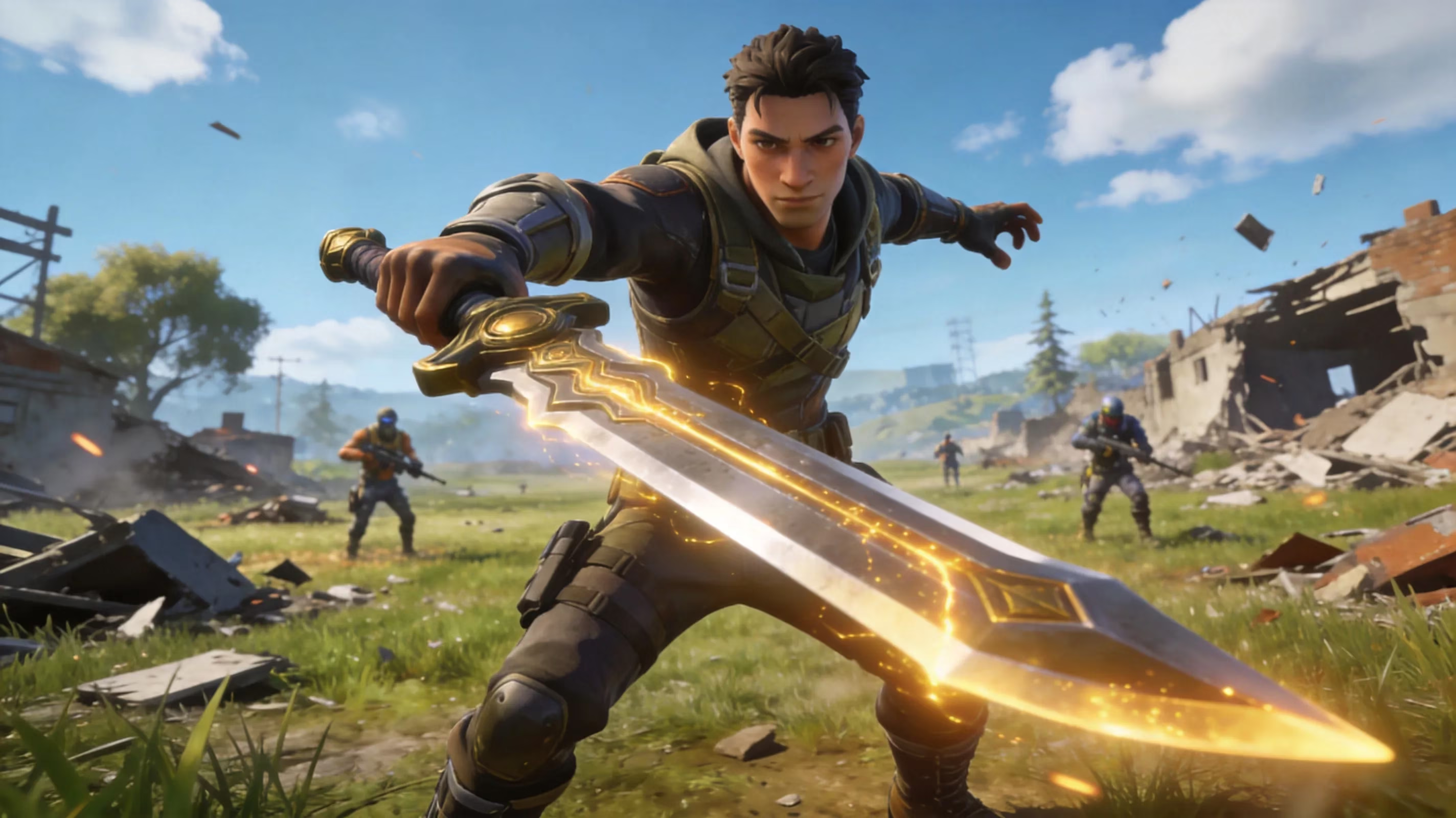
Today’s maintenance is tied to the v40.20 rollout, and it’s not a tiny patch by any means. The biggest gameplay addition is Showdown Act II, which pushes the current rivalry storyline forward and adds new mechanics to the Battle Royale island. The headline grabber here is the return of the Infinity Blade, now back as a high-tier mythic that could seriously shake up how fights play out across the lobby.
There’s also a major update on the music side. Fortnite Festival Season 14 launches today with Laufey as the featured artist, bringing a themed cosmetic bundle to the Item Shop along with a Music Pass packed with exclusive tracks, outfits, and accessories. Festival itself is getting two pretty notable upgrades as well: Pro Vocals, which lets players sing using a microphone connected to console or PC, and Pro Drums, with support for Rock Band 4-compatible drum kits.
Another huge change is that Save the World is going free-to-play with this patch. That opens the PvE tower-defense mode to everyone instead of locking it behind a Founder’s Pack or Quest Pack purchase. There is one catch, though: the daily V-Bucks rewards still stay exclusive to players who originally bought access, so new free players won’t get that currency payout.
On top of that, Liv Morgan and Stone Cold Steve Austin are joining Fortnite through new crossover skins, continuing Epic’s WWE partnership push. At the same time, Fortnite Ballistic and Festival Battle Stage are being removed permanently in this update, clearing space for the new content and systems going forward.
Fortnite Server Status Check
If you want the most reliable live server info, start with status.epicgames.com. That page breaks Fortnite services down by category and region, so you can check login, matchmaking, the Item Shop, Creative, and more without guessing. The color coding is straightforward: green means operational, yellow means degraded, and red usually means outage or maintenance. During today’s rollout, most services will likely stay red until Epic finishes deployment.
For faster updates, though, @FortniteStatus on X is usually the better move. That account is where Epic posts the actual downtime start, warns players about delays, and confirms when servers are fully back online. If you really want to know the second the queue opens, turning on notifications there is honestly the easiest option.
It’s also worth checking your platform’s own network status. Fortnite might be back on Epic’s side, but if PSN, Xbox Live, or Nintendo Switch Online is having issues, you can still get blocked at login. So if Epic says everything is live and you still can’t connect, the next step is checking your platform’s service page instead of assuming Fortnite itself is still down.
Sometimes the issue isn’t global at all. Regional outages do happen, and they can look confusing if your friends in another country are already online while you’re still locked out. In that case, temporarily changing your in-game matchmaking region under Settings → Game → Matchmaking Region can work as a short-term fix, though you’ll almost definitely be playing with higher ping.
Fortnite Not Working After Downtime
PC and Epic Launcher
If Fortnite servers are back but the game still won’t connect on PC, the first thing you should do is verify the game files in the Epic Games Launcher. Open your Library, click the three-dot menu next to Fortnite, choose Manage, then hit Verify. That checks your install against the latest version and replaces anything corrupted or missing, which is especially helpful if the update stalled halfway through.
If that doesn’t fix it, try clearing the launcher’s web cache. Fully close the launcher, go to %localappdata%\EpicGamesLauncher\Saved\webcache, and delete what’s inside that folder. A lot of weird login or launcher-side issues clear up after that.
For a stuck update loop, where the progress bar just keeps cycling and never finishes, this restart flow usually works:
-
Close the Epic Games Launcher.
-
Open Task Manager and end all Epic-related processes.
-
Relaunch the launcher as an administrator.
-
Check whether the update resumes normally.
PlayStation and Xbox
On console, start by confirming that PSN or Xbox Live is actually up. If platform authentication is having problems, Fortnite won’t let you in no matter how healthy Epic’s servers are.
For PlayStation players, going to Settings → Account Management → Restore Licenses can fix cases where the console doesn’t properly recognize Fortnite access after a major update. It’s a simple step, but it solves more post-patch issues than people expect.
A full hard reboot also helps, especially when cached network states get stuck. Power the console down completely, wait about 30 seconds, then boot it back up. On Xbox, another fix that has worked for a lot of players after update windows is clearing the alternate MAC address under Settings → Network Settings → Advanced.
Switch and Mobile
If you’re on Nintendo Switch, make sure there isn’t a pending system or Fortnite update sitting in the background. Online play can fail outright if the game hasn’t fully updated yet. When the game launches but matchmaking still refuses to work, clearing the console cache through System Settings → System → Formatting Options → Reset Cache is usually worth trying.
Mobile players on Android should clear the Fortnite app cache from the device’s app settings before relaunching. It’s a quick fix, and it can remove stale data left over from the patch process.
If the game works but matchmaking keeps failing in one specific region, swapping your in-game server to Auto or the nearest alternative region can sometimes get you back in while Epic finishes stabilizing local servers. It’s not ideal, but as a temporary workaround, it does the job.
Conclusion
For today’s v40.20 patch on April 16, 2026, how long is Fortnite downtime today is expected to be about two to three hours. Servers went offline at 4 AM ET, and the current best estimate for them to return is 6 AM to 7 AM ET, which lines up with 10 AM–11 AM UTC and 11 AM–12 PM BST. This maintenance window is tied to Showdown Act II, Fortnite Festival Season 14 with Laufey, Save the World going free-to-play, and the removal of Ballistic and Festival Battle Stage.
If you want the fastest updates, check @FortniteStatus first and use status.epicgames.com for the more detailed service-by-service view. And if Fortnite still isn’t working after downtime ends, run through the platform-specific fixes above — file verification on PC, license restore on PlayStation, hard reboot on Xbox, or cache reset on Switch. While you wait, it’s honestly a good time to skim the patch notes and get ready for how much the Infinity Blade could change the meta once the servers are back.